Flash Participation Tutorial
This tutorial covers BitPocket wallet installation and Flash token purchase process
Part 1: Install BitPocket Wallet (Mobile)
Download and Install App
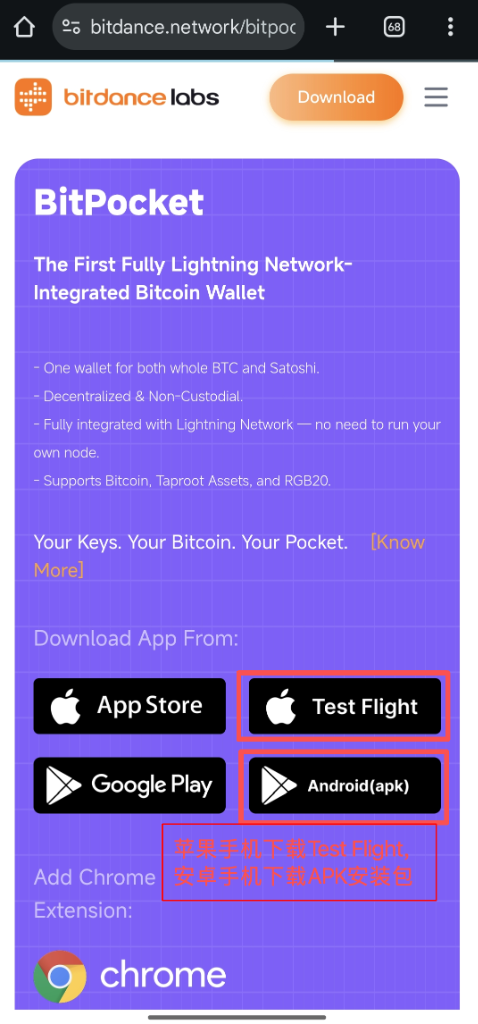
Download URL:
https://www.bitdance.network/bitpocket.htmlFor iPhone, please download TestFlight version; For Android, download APK directly.
Create New Wallet
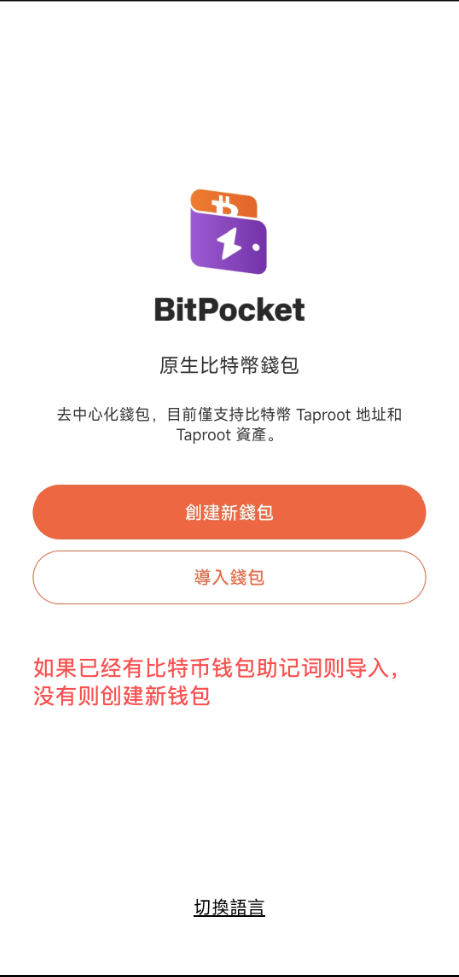
Open App, select "Create New Wallet". If you already have a seed phrase, you can select "Import Wallet".
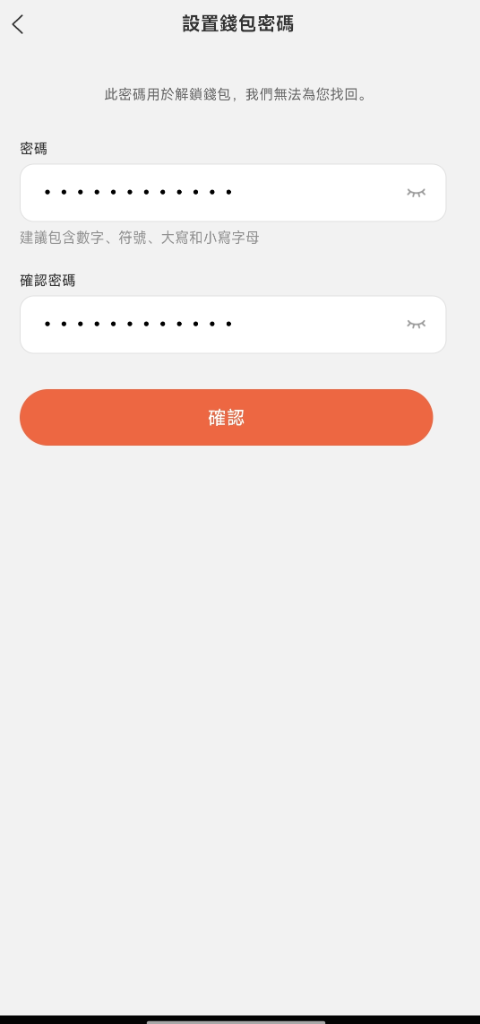
Set Security Password
Set a secure password for daily wallet unlocking.
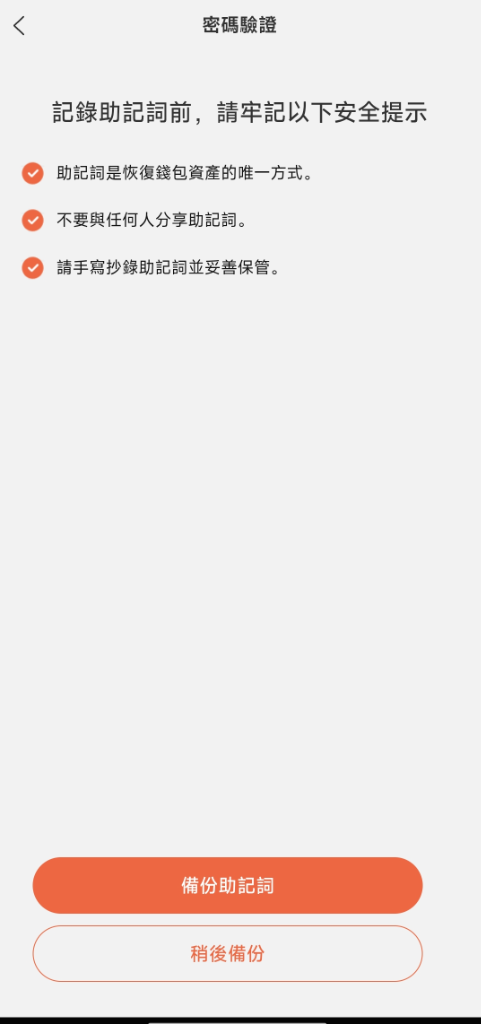
Backup Seed Phrase (Important)
Please write down your seed phrase and keep it safe! Do not screenshot or send to anyone.
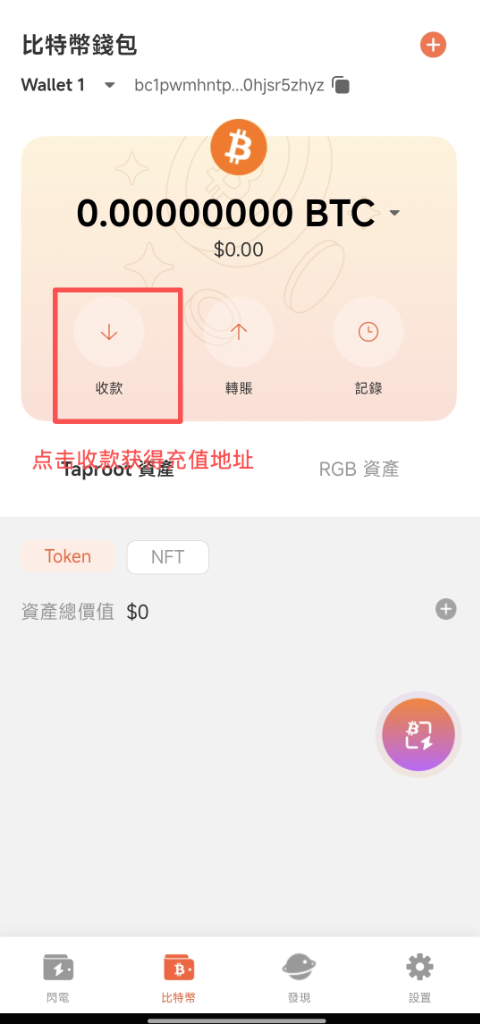
Get Deposit Address
Go to wallet home, click "Receive" button to get your Taproot Bitcoin address (starts with bc1p).
Part 2: Buy Flash Token
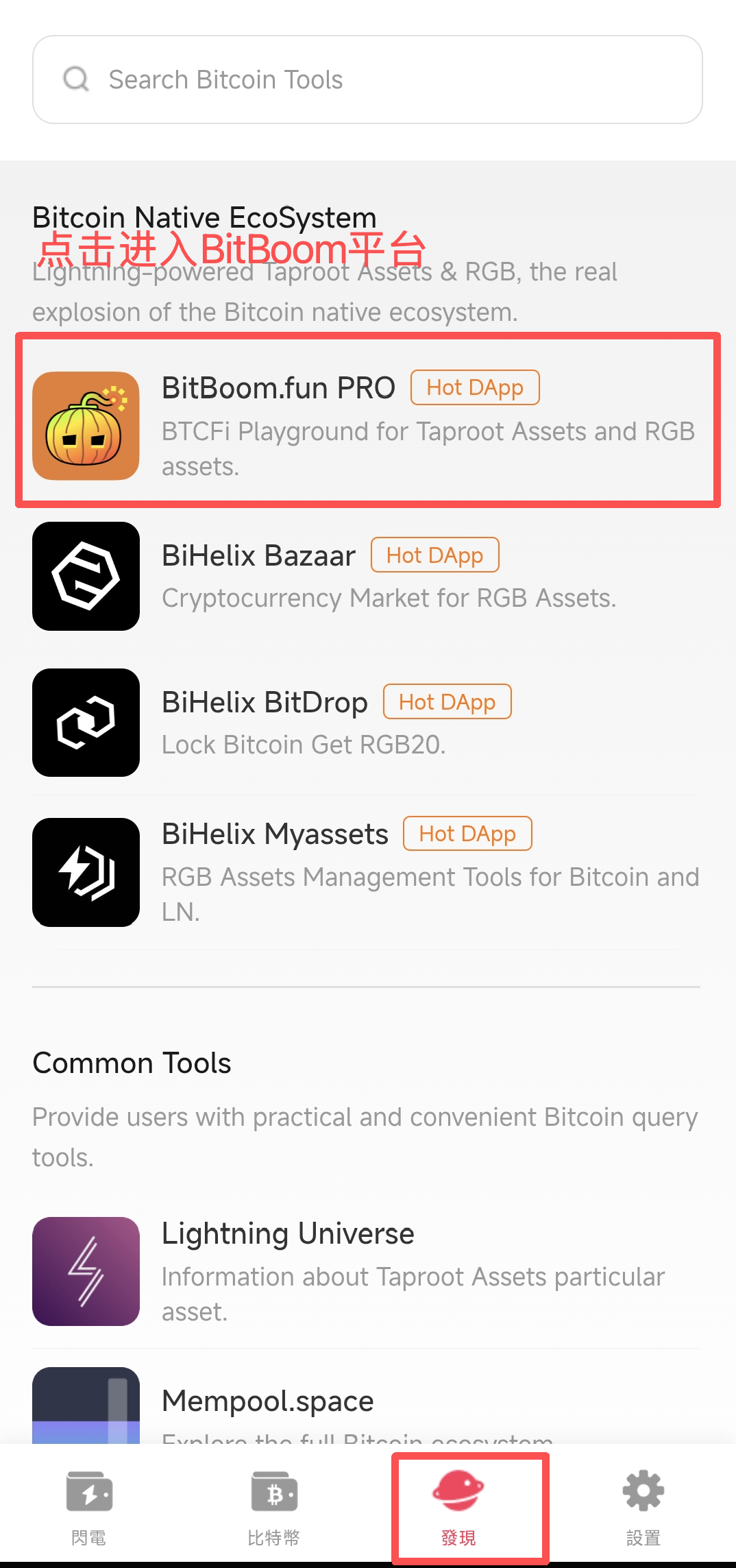
Enter BitBoom Platform
Open BitPocket wallet, click "Discovery" tab at the bottom. Click "BitBoom.fun PRO" in the list to enter the platform.
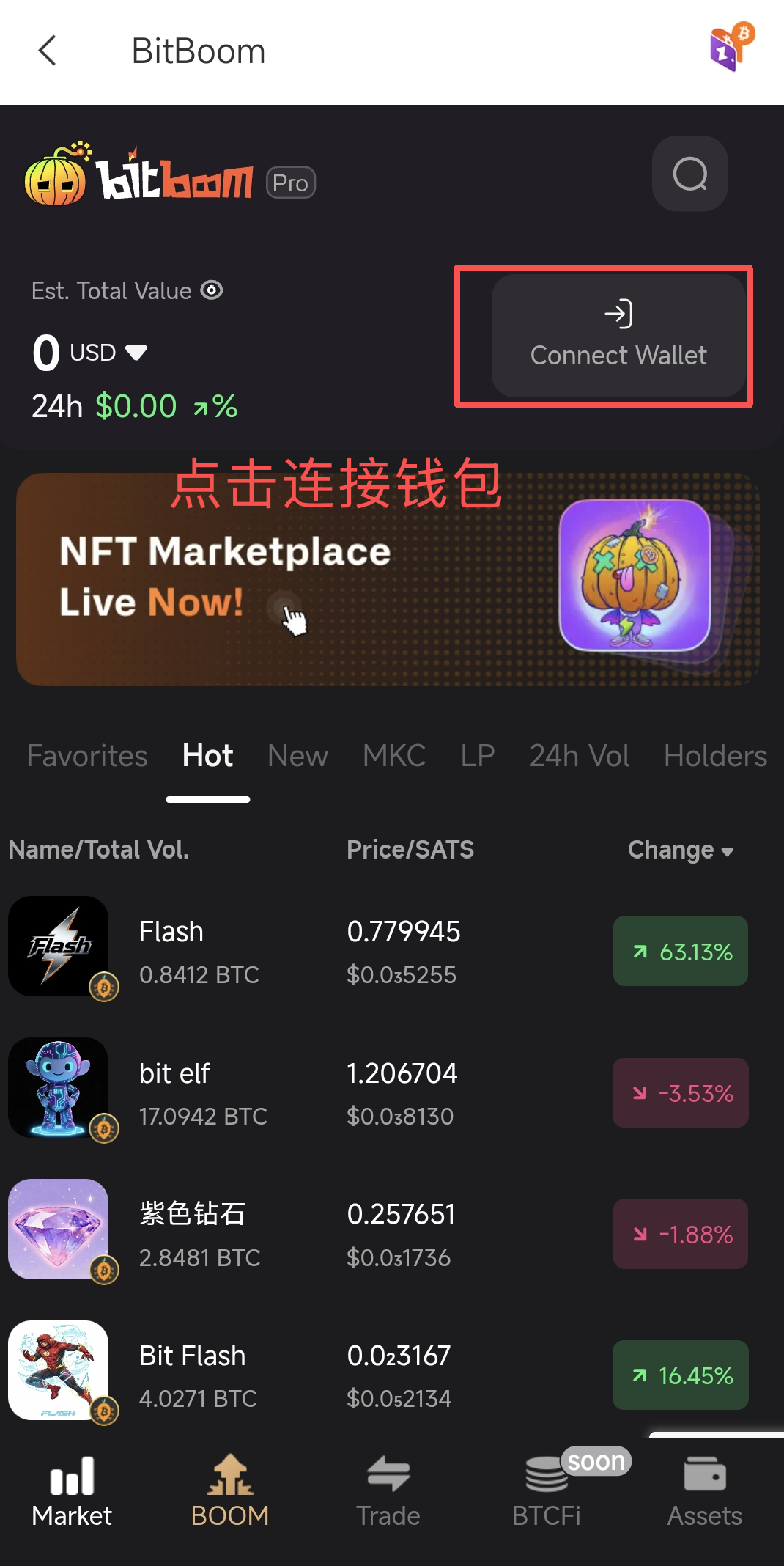
Connect Wallet
Click "Connect Wallet" button at the top right, select BitPocket wallet to connect.
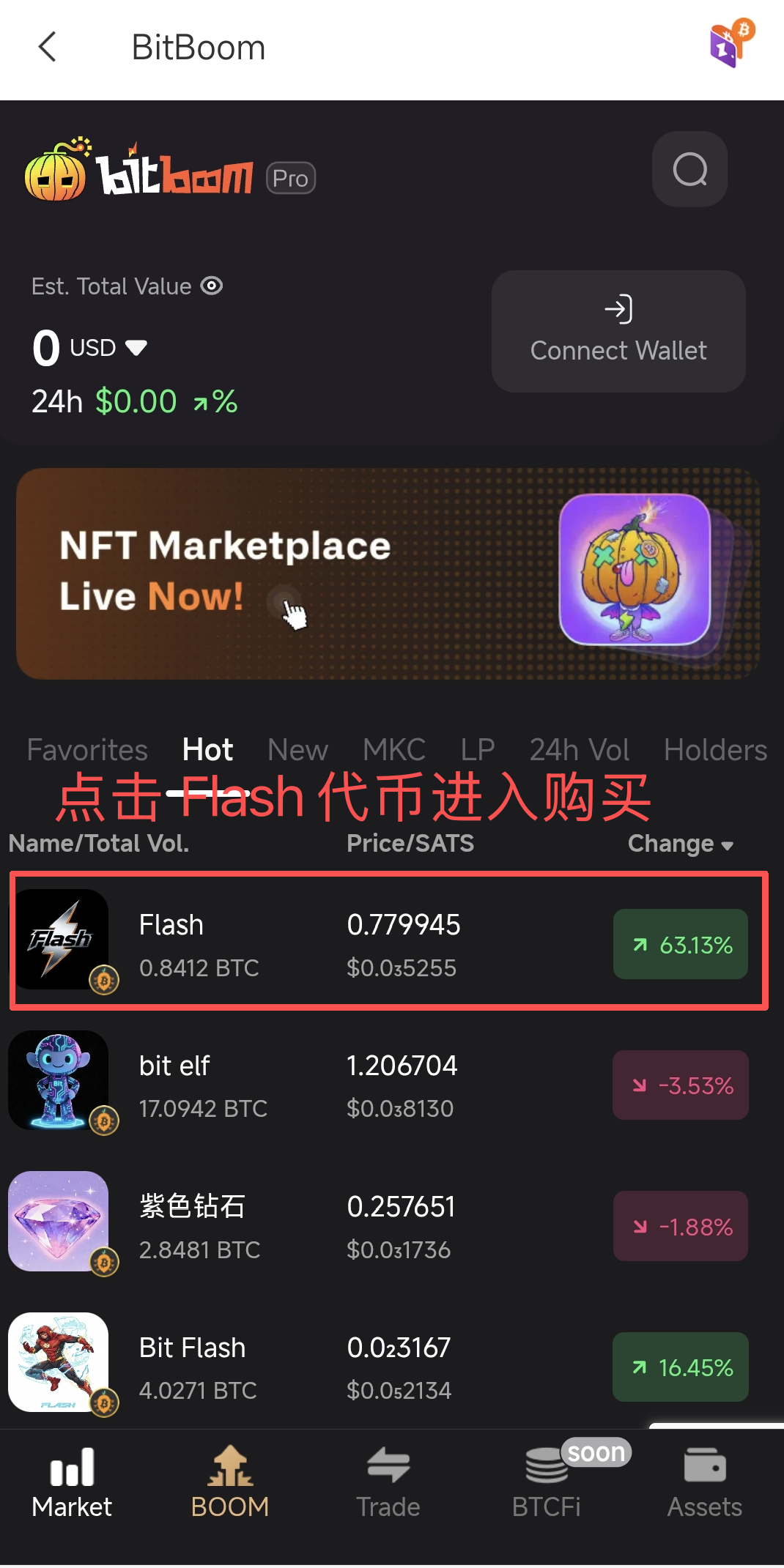
Select Flash Token
Find Flash token in the list, or search directly. Click to enter trading details.
Buy Token
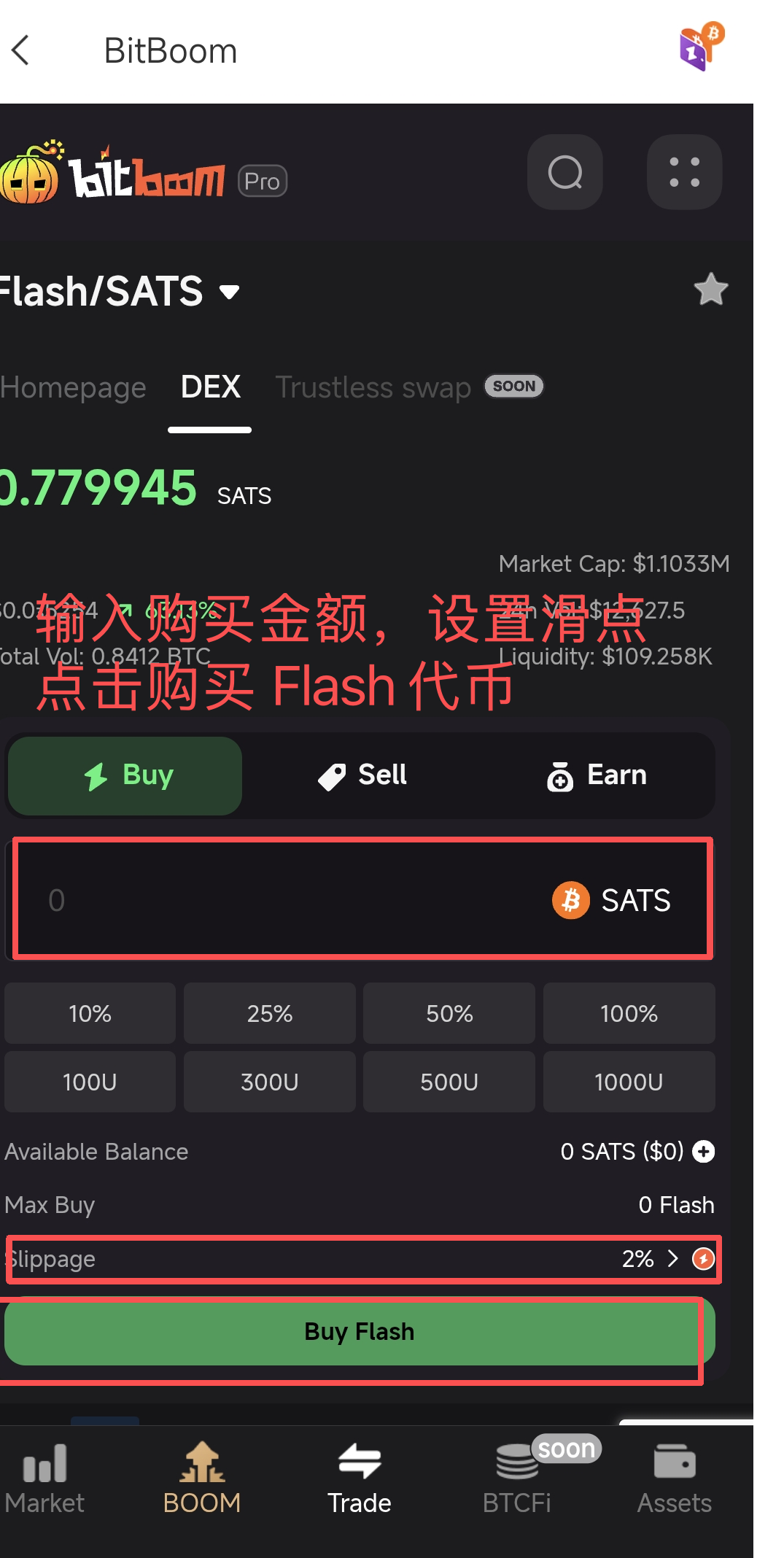
2. Set slippage (Recommend 2% or higher to ensure success).
3. Click "Buy Flash" button to confirm.